Home Features How It Works Pro Version FAQ Contact
Features

Every Feature, Explained

A complete reference of everything Workers can do for you.

Workers & Places
Manage your people and locations

Worker Management

Add and manage your workers with full contact information. Call or message them directly from the app.
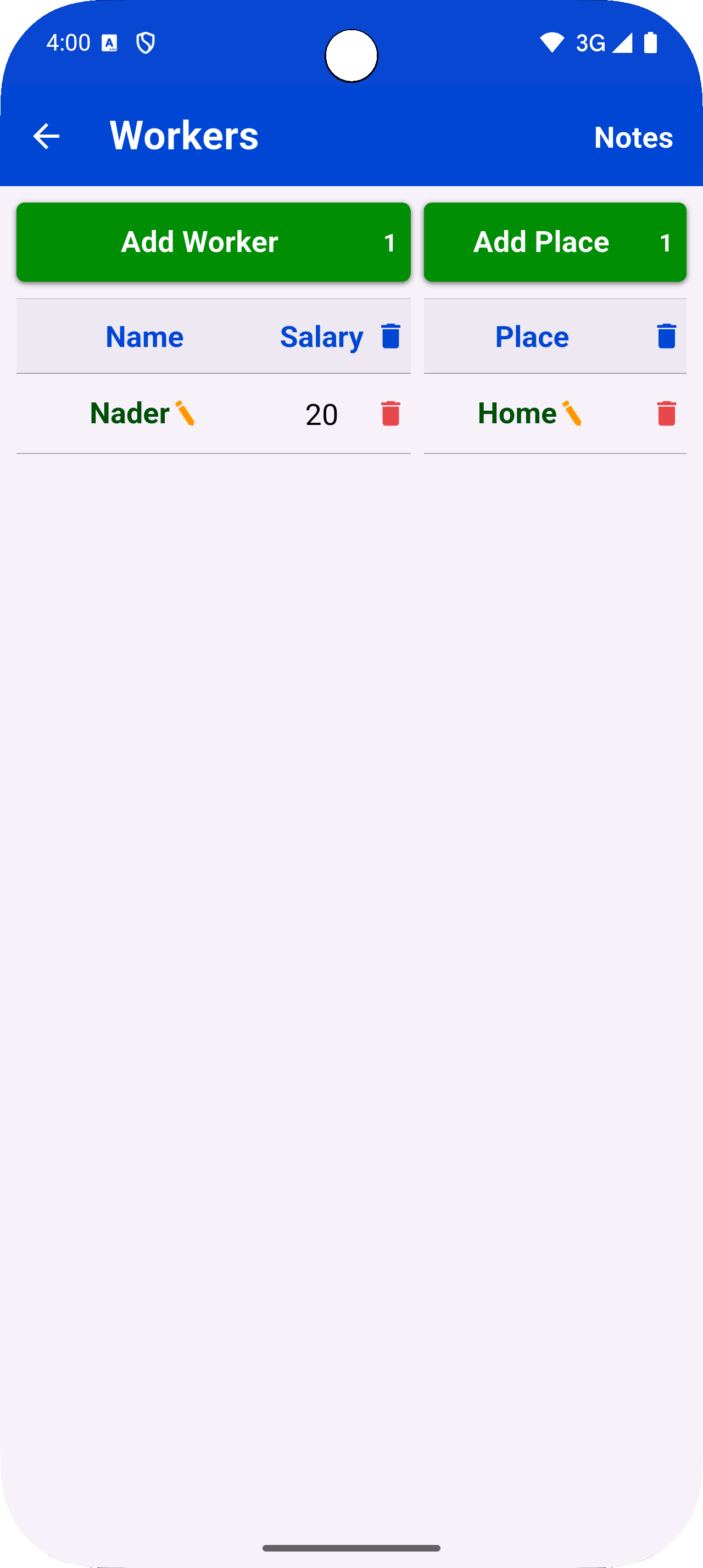
Store name, phone number, and address for each worker
One-tap call or WhatsApp message
View full work history per worker
Workers screen

Place Management

Organize all your work locations and filter journals, estimates, and reports by place.

Add unlimited work places and sites
Link journal entries, estimates, and payments to a place
Filter any report by place
Places screen
Daily Journal
Log and track work day by day

Daily Work Journal

Log every workday with person, place, type of work, shift, and salary. Never lose track of a day's work.
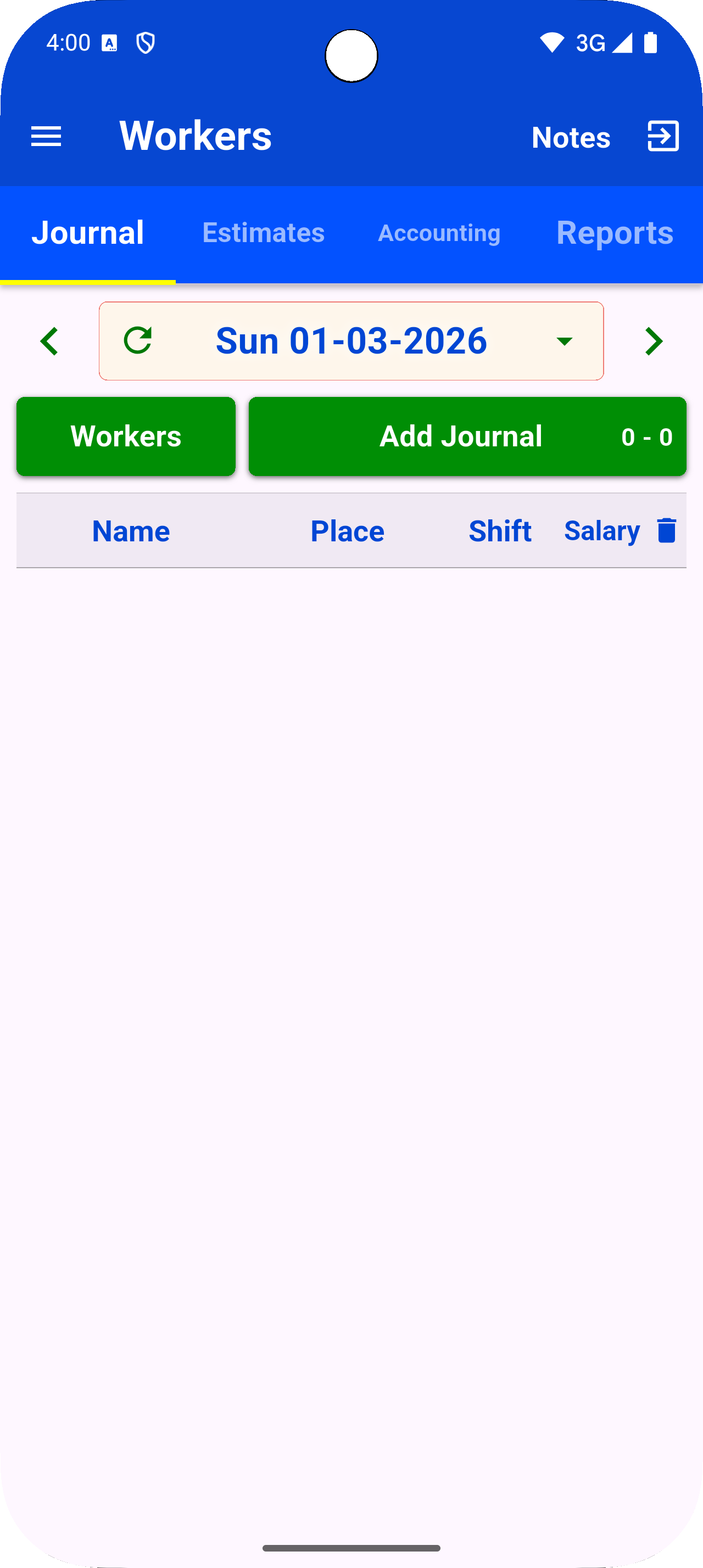
Log full-day, part-day, or overtime shifts
Attach work type and place to every entry
View all previous working days in a calendar
Calculate totals: paid, unpaid, and due
Journal screen
Work Types & Materials
Organize work categories and price your materials

Work Types

Define the categories of work your team performs and assign them to journal entries.
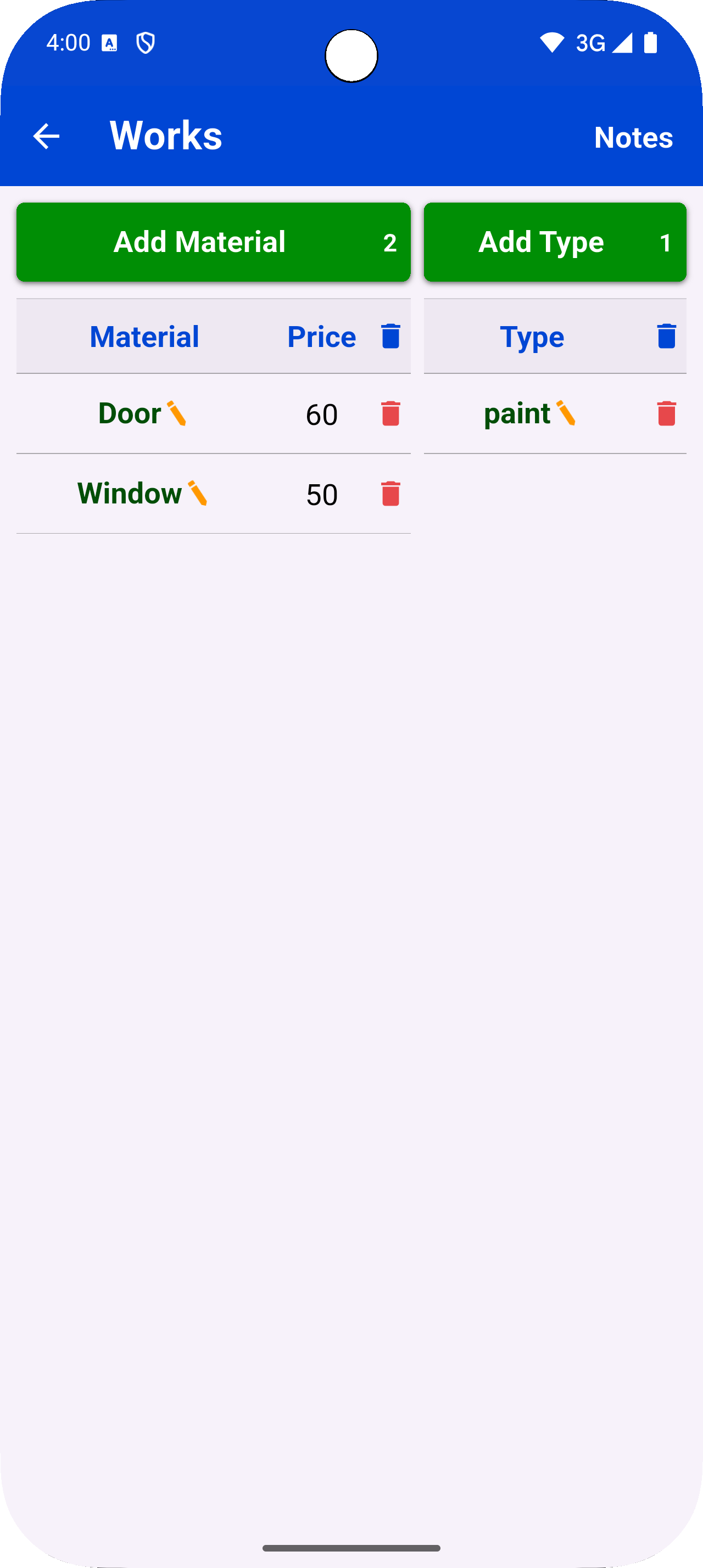
Create custom work type labels
Assign types to journal entries for accurate tracking
Work Types screen

Materials

Maintain a priced material list and use it directly in estimates.

Add materials with unit prices
Pull materials directly into estimate line items
Materials screen
Estimates NEW
Create detailed work estimates with measurements

Work Estimates

Build detailed estimates with real measurements. Support for area, length, volume, weight, and quantity.
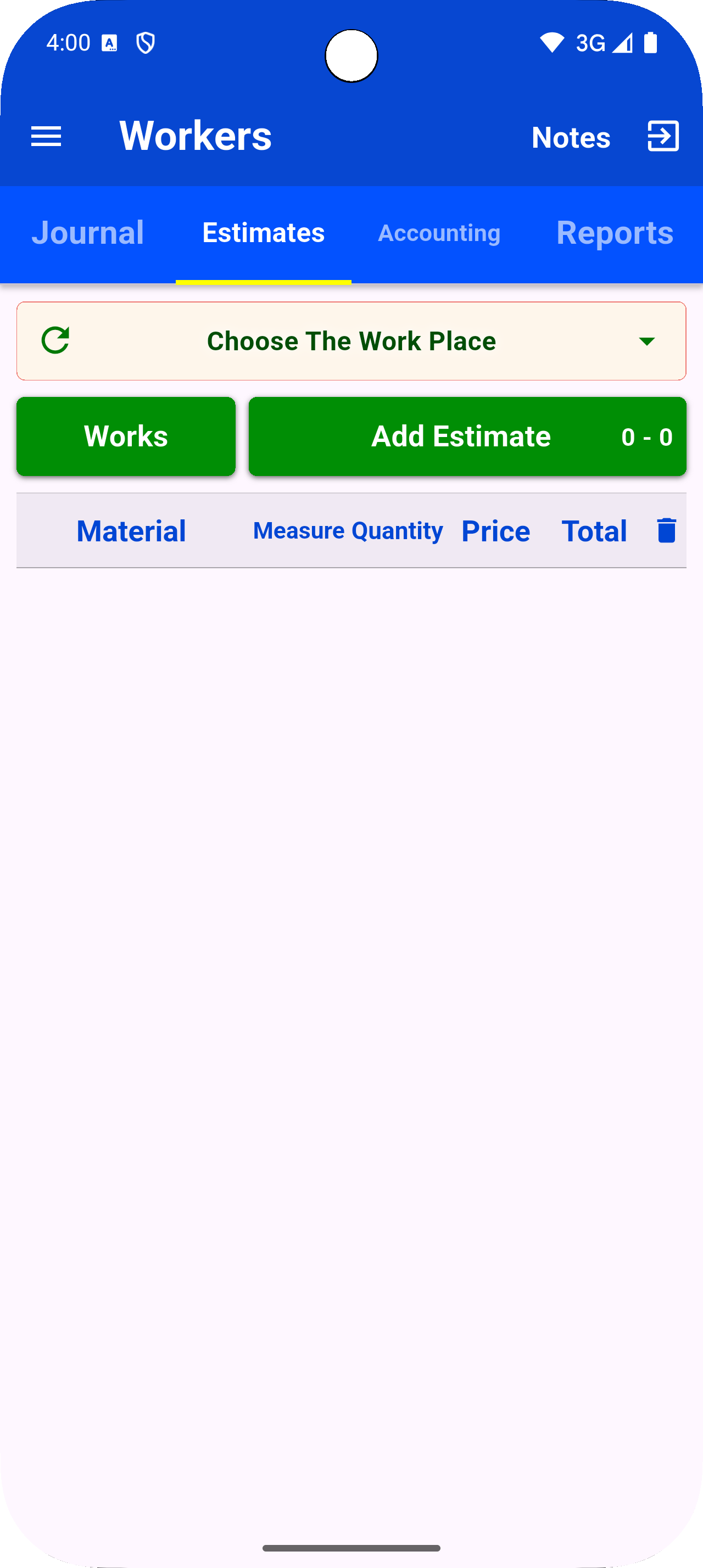
Measurements: m² , m linear, m³, kg, quantity
Per-place estimate management
Attach materials and prices to each line
Generate a full PDF estimate report
Unlimited estimates require Pro
Estimates screen
Accounting NEW
Track payments and receipts

Payments

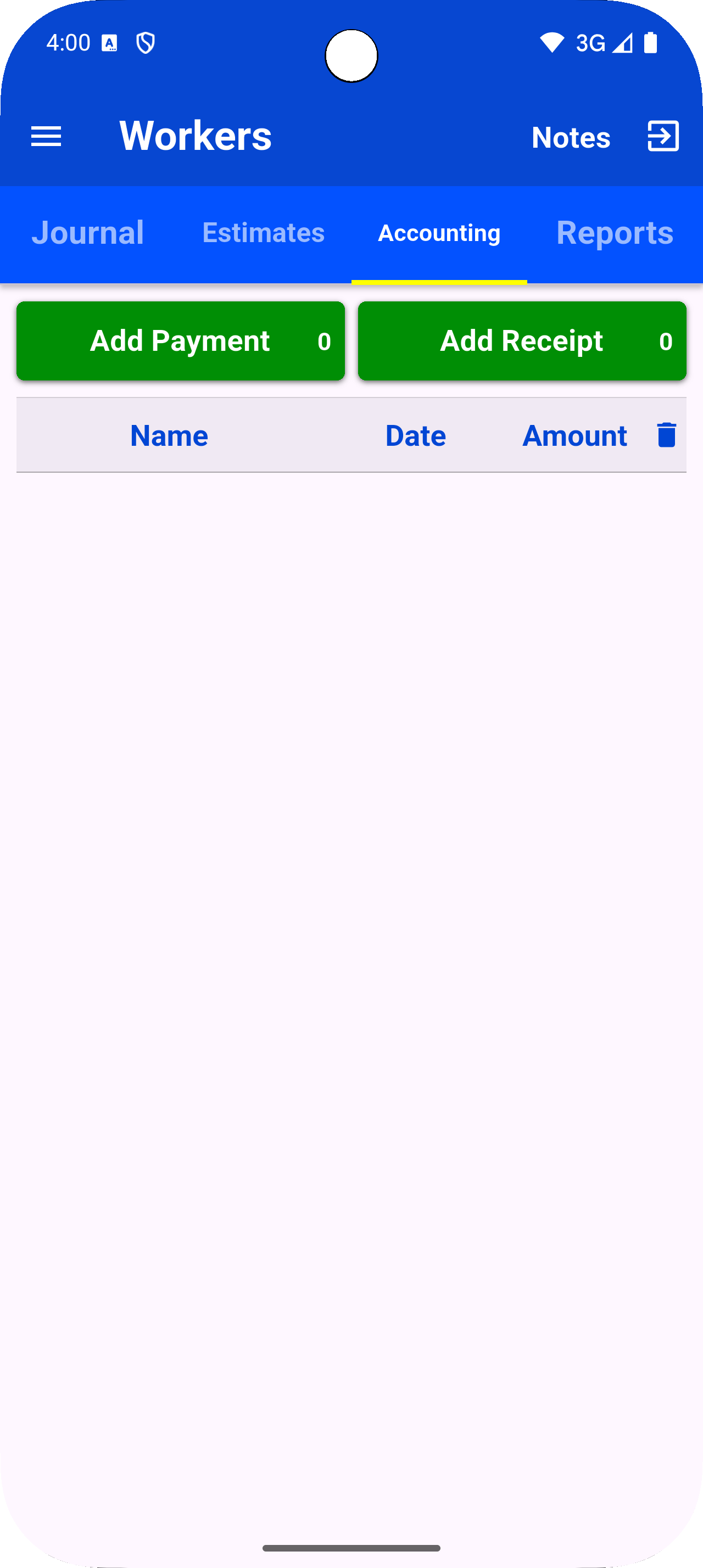
Track all money flow — pay workers or receive payments from clients. Full accounting in one view.

Record payments as Pay or Receive
Link each payment to a person and place
Totals: paid, received, and outstanding
Accounting screen

Receipts

Log receipts for every transaction. Keep a clean paper trail for all your accounts.

Record receipts with amount, person, place, and date
View all receipts in one list
Generate a full receipt report as PDF
Unlimited receipts require Pro
Receipts screen
Quotations NEW · PRO
Generate professional quotations

Professional Quotations

Create formal quotations with sender, receiver, auto-numbered lines, and a signature field. Export to PDF instantly.
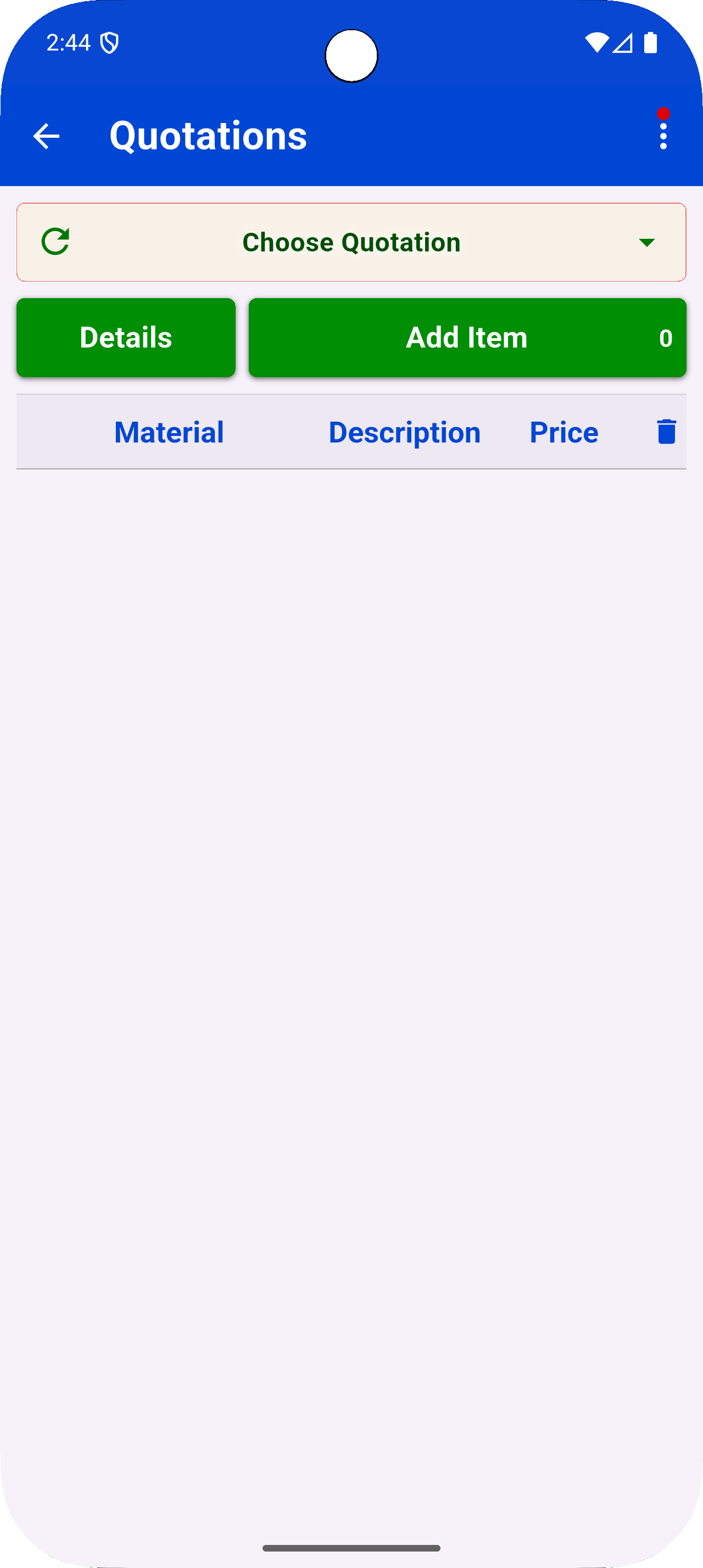
Auto-numbered quotations
Add custom sender and receiver details
Import line items from journal, estimates, or receipts
Signature field and professional PDF layout
Quotations are a Pro feature
Quotations screen
Reports & PDF Export NEW
Full reports for journal, payments, estimates, and receipts

Reports & PDF Export

Generate full reports for journal, payments, estimates, and receipts. Filter by date range, person, or place — then export or print as PDF.
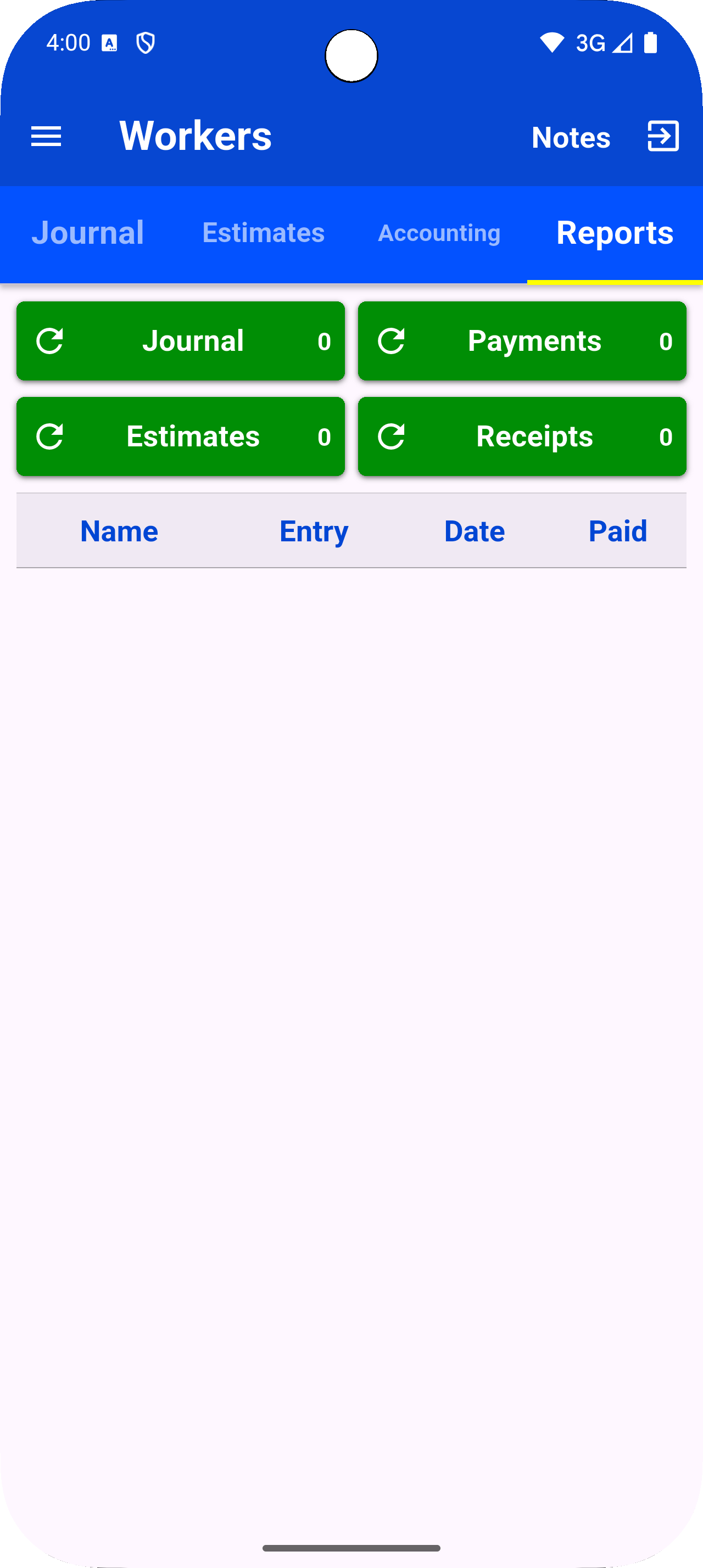
Journal report: all entries, totals by person and place
Payment report: paid, received, and outstanding totals
Estimate report: all estimate lines with measurements
Receipt report: all receipts with totals
Filter by date range, person, or place
Export as PDF or print directly
Reports screen
Backup & Restore
Keep your data safe locally or on Google Drive

Local Backup

Save a backup of your entire database to your device storage at any time.
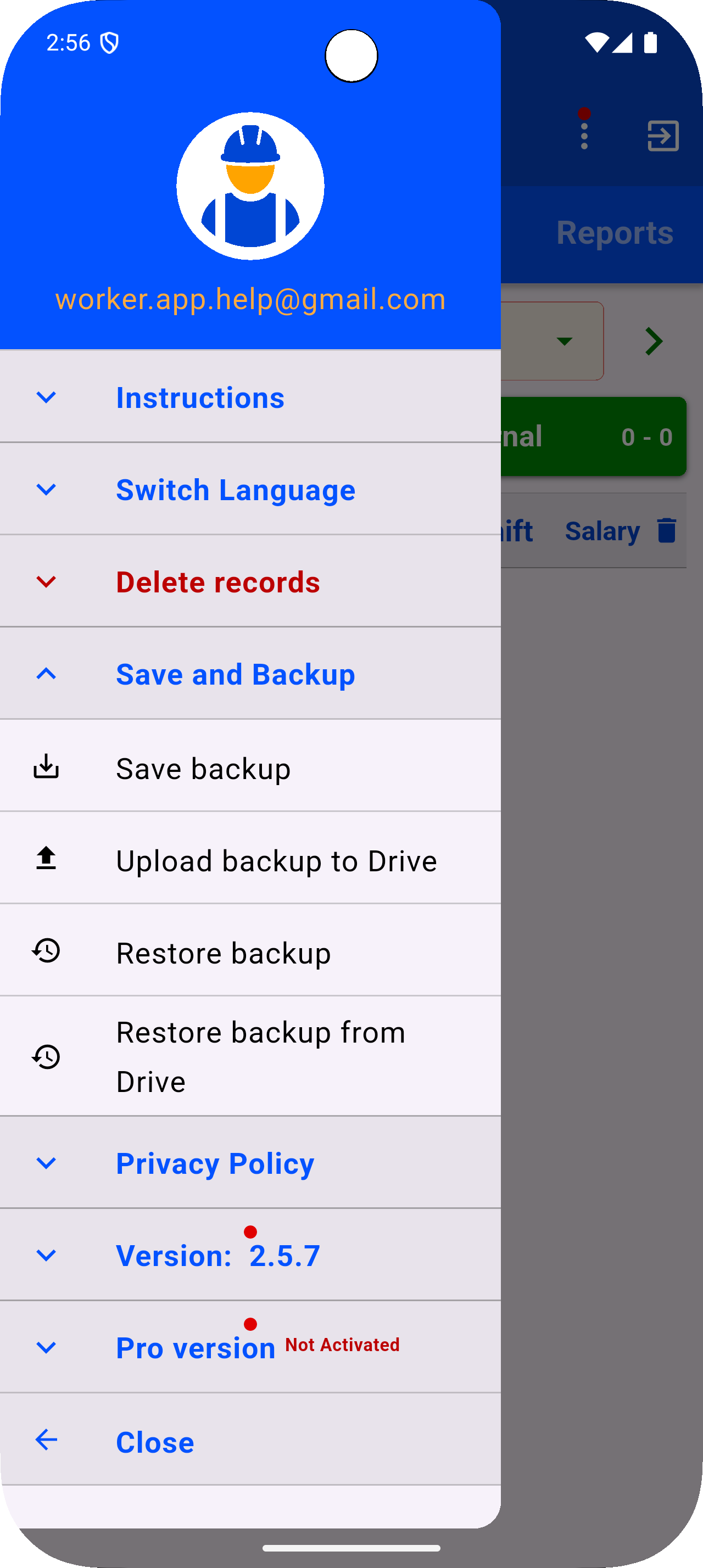
One-tap backup to device storage
Restore from any saved backup file
Keep up to 5 rolling backups locally
Backup screen
Google Drive

Google Drive Backup

Upload your latest backup to Google Drive and restore it on any device.

Sign in with your Google account
Upload latest backup to Drive instantly
Browse and restore any Drive backup
Keeps up to 15 backups on Drive
Drive backup screen
Notes & Languages

Notes

Quickly jot down anything — reminders, instructions, or general notes.

Add, edit, and delete notes freely
Always accessible from the top menu

18+ Languages

Workers is fully translated into 18+ languages including Arabic (RTL), English, Spanish, French, Hindi, Chinese, and more.

Switch language at any time
Full RTL support for Arabic, Persian, Urdu
All screens, dialogs, and reports are localized

Ready to Take Control?

Download Workers for free today and start managing your workforce smarter.

Get it on Google Play